How to Get Around China Without Speaking Chinese: Translation Apps & Communication Tips
A comprehensive guide to the must-have apps for translation and managing common communication issues
Share this post:
Quick Reference
📱 Best Translation App: Google Translate (with eSIM) or Baidu Translate (without)
💬 Secret Weapon: WeChat's built-in translation
🔑 Golden Rule: Keep it simple - one word beats a full sentence
👨👩👧 With Kids: Flexibility beats perfection
⚡ Reality Check: It's easier than you think
One of the biggest anxieties people have about traveling to China is the language barrier. And I get it.
It's no exaggeration that people in China really don't speak English. And not in the way that, say, in South America it can be difficult to communicate in English — most people you meet on the street won't understand simple keywords that you'd think "everybody must know." On top of that, cultural differences create an additional barrier, and it's sometimes difficult to communicate in general — because they just don't get what you're trying to say.
But here's the thing: we're not backpackers 30 years ago traveling by bus to some distant village. We have smartphones in our pockets, and China is living in the future when it comes to getting around and payments. It's actually not that difficult to navigate.
Here's the strategy we use to get around China — including with our kids.
Table of Contents
The Truth About Translation Apps
People often ask me which translation app is best for China. And honestly? I'm not sure which one is "the best" — but I also don't think it matters as much as you think.
Here's why: all of them have shortcomings. Languages with Latin origins are so different from Mandarin, and the cultural context is so different, that exact translations are sometimes impossible. Every app struggles with this.
That said, for the use cases you'll encounter while traveling, you just need an app, not the app. Preferably one that can translate text from an image or camera.
The Golden Rule: Keep It Simple
The key to using any translation app successfully isn't finding the perfect app — it's using it right.
What does that mean? You absolutely cannot try to build complex sentences, convey abstract ideas, use humor, or even be overly polite. Use as few words as possible. A single word is often better than a full sentence.
Example:
- ❌ "Excuse me, do you know where the toilets are located?"
- ✅ "Toilets?" + pointing gesture
That's it. Keep it simple, and you'll be understood.
The Only Apps You Actually Need
Google Translate
My go-to recommendation is Google Translate, but this is tied to my other recommendation: use eSIM for internet access. With eSIM, you get access to everything — including Google services that are normally blocked in China.
If you're on roaming or eSIM, Google Translate just works. The camera translation is excellent for menus and signs.
Is it perfect? No. All translation apps are mediocre when it comes to English-Chinese translation — that's just the nature of these languages being so different. But it's good enough.
What If You Don't Have eSIM or Roaming?
If you're using a local Chinese SIM card or hotel WiFi without VPN, Google Translate won't work. In that case:
Baidu Translate is your best alternative. It's made in China, works without any restrictions, and is surprisingly good. The interface is mostly in Chinese, but the translation function is easy to find.
Microsoft Translator also works in China without VPN and has a useful offline mode — download the Chinese language pack before you fly.
WeChat — The Secret Weapon
Translation isn't the first thing that comes to mind with WeChat, but it's one of the reasons the app is so useful beyond just payments.
Chat Translation:
WeChat has built-in translation for messages. Just long-press any message and tap "Translate." This is incredibly powerful for communicating with hotel staff, tour guides, or anyone who doesn't speak English. The same simplicity rules apply — keep your messages short and clear.
Mini Program Translation:
This is the feature most tourists miss. WeChat can translate entire mini programs on the fly. When you're trying to buy tickets or order food in an app that's only in Chinese, you can enable translation and every screen automatically converts to English.
How to enable it:
When you open a mini program, look for the three dots (...) in the top right corner → tap "Translate" → the entire interface switches to English.
Pro tip: Some apps like DiDi have a full English interface available directly through WeChat, which makes ordering a taxi much easier than trying to translate back and forth.
 Magda Sawyer
Alipay
Alipay, like WeChat, has built-in translation for mini programs — another handy feature.
I suggest installing both apps since their use cases don't fully overlap.
 Magda Sawyer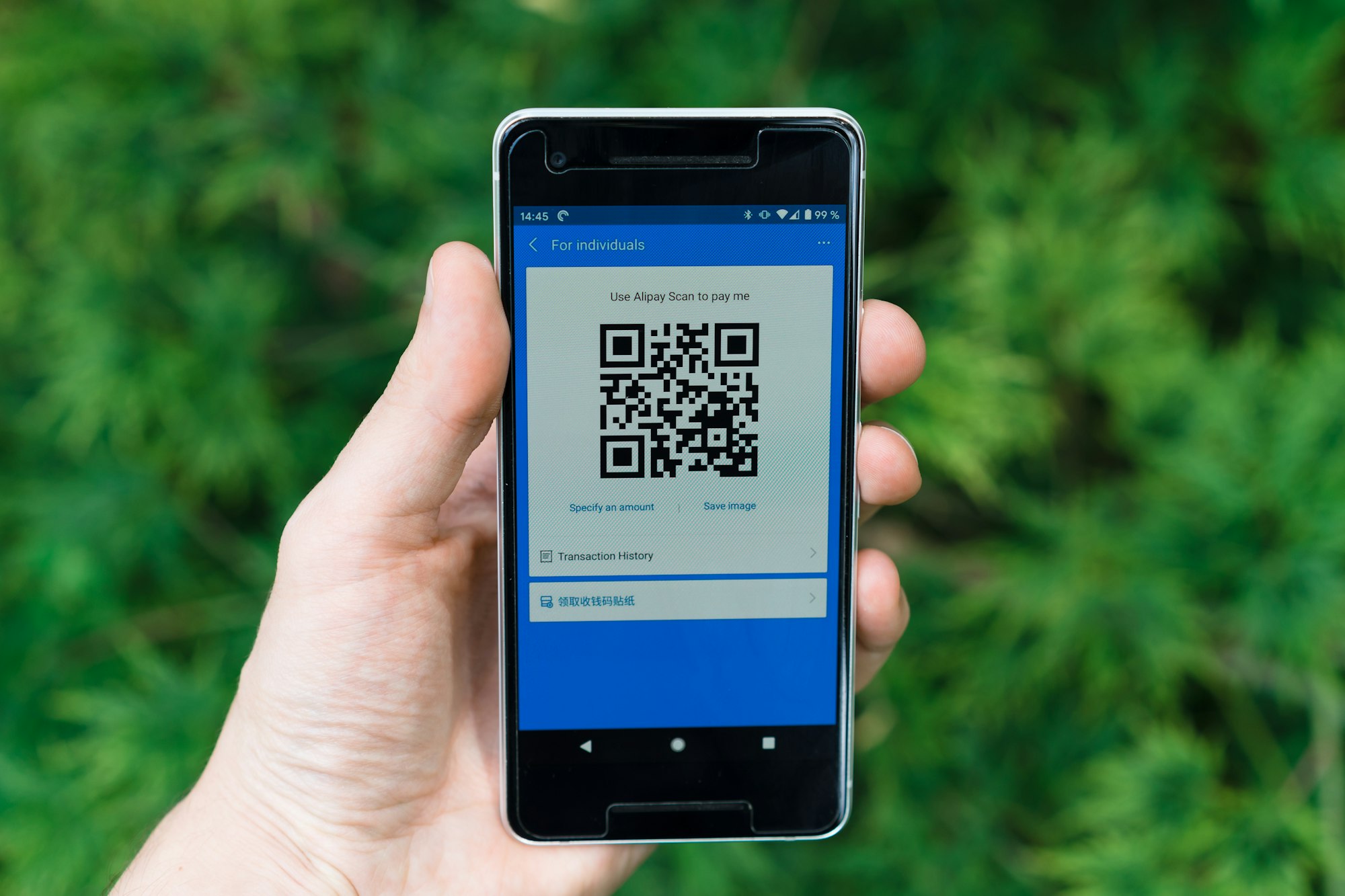
Real-World Communication Scenarios
Understanding Menus
Many restaurants now let you order food directly from a WeChat mini program. Scan the QR code on your table, get the menu, and order — all with translation enabled.
If that's not available, many restaurants have picture menus. And if even that's not an option, you can use your translation app's camera to scan the menu.
But here's my honest advice: Don't rely too heavily on translated menu names. Dish names are some of the hardest things to translate accurately. "Husband and wife lung slices" is a real dish name, and it tells you almost nothing about what you're actually ordering.
What actually helps: Learn a few basic characters:
- 米饭 (mǐfàn) = rice
- 面 (miàn) = noodles
- 鸡 (jī) = chicken
- 牛 (niú) = beef
- 猪 (zhū) = pork
- 菜 (cài) = vegetables
- 豆腐 (doufu) = tofu
- 辣 (là) = spicy
With just these characters, you can at least understand if you're ordering rice or noodles and what protein is involved.
Buying Tickets
Many attraction tickets are available on Trip.com or Klook in English, which is the easiest option.
But for some attractions — like Tiananmen Square and the Forbidden City — you need to use WeChat mini programs. This is where the built-in translation becomes essential.
How to book tickets via WeChat:
- Search for the attraction's official mini program
- Enable translation (three dots → Translate)
- Follow the booking flow
- Save the QR code ticket to your phone
Ordering a Taxi
If you need to order a taxi, have your destination address written in Chinese somewhere — a screenshot, a note, or saved in your phone.
The easiest way to avoid the language barrier entirely is using DiDi through WeChat. The DiDi mini program has an English interface. It also lets you send and receive messages with your driver that get instantly translated — so you can communicate without either of you speaking the other's language.
[ADDED]
Backup option: If DiDi isn't working or you need a quick taxi, show your driver a screenshot of your destination from Amap (高德地图) or Baidu Maps. Chinese taxi drivers know these apps and can follow the route.
What To Do When Apps Fail
Translation apps are great, but they're not foolproof. Here's what works when technology lets you down:
The Screenshot Strategy
Before you go anywhere, screenshot:
- Your hotel's name and address in Chinese
- Your day's destinations from a Chinese map app
- Any tickets or reservations with Chinese text
The Hotel Card
Every hotel in China has business cards at the front desk with the hotel name and address in Chinese. Grab a few. These are gold when you need to get back and your phone is dead.
Point and Smile
Sometimes the lowest-tech solution works best:
- Point at what other people are eating ("I'll have that")
- Show photos of dishes you want
- Use fingers for numbers
- Nod, smile, and trust that it'll work out
When You Really Need Help
Look for younger people — they're more likely to have studied English. University students are often happy to help and practice their English.
Essential Phrases Worth Learning
I'm not going to give you a list of 50 phrases you'll forget. Here are the ones that actually matter:
The Essentials
| English | Chinese | Pinyin | When to use |
|---|---|---|---|
| Hello | 你好 | nǐ hǎo | Always a good start |
| Thank you | 谢谢 | xiè xie | Use constantly |
| No, thanks / Don't want | 不要 | bù yào | Declining things |
| This one | 这个 | zhè ge | Pointing at menus |
| How much? | 多少钱 | duō shao qián | Shopping |
| Bill please | 买单 | mǎi dān | Restaurants |
For Food
| English | Chinese | Pinyin |
|---|---|---|
| Not spicy | 不要辣 | bù yào là |
| No meat | 不要肉 | bù yào ròu |
| Allergic | 过敏 | guò mǐn |
For Emergencies
| English | Chinese | Pinyin |
|---|---|---|
| Help | 帮忙 | bāng máng |
| Hospital | 医院 | yī yuàn |
Pro tip: Screenshot this table and keep it on your phone.
Traveling to China With Kids
One of the biggest communication challenges when traveling with kids is explaining what we want to order for them. And honestly, it's less about the actual words and more about different expectations of what we might want.
The Plain Noodles Problem
Here's an example: our kids like to eat plain noodles — without anything. Just noodles.
This is somehow incomprehensible to Chinese restaurant staff. Most of the time, the noodles come either in broth or with some kind of seasoning. I think the problem is that they genuinely cannot believe this is what we want. They're trying to make it better.
We can usually explain that we want something not spicy because it's for the kids. But making sure no extra seasonings come on the dish? Nearly impossible.
Our Philosophy: Flexibility Beats Perfection
Here's my honest advice: be simple and flexible.
If you find yourself in a situation where the food isn't quite what you ordered, embrace the experience. See if your kids will try it anyway — you might be surprised. And if not, just try something else at the next food stall. Street food is cheap, portions are small, and the next option is usually 10 meters away.
Other Kid-Specific Communication Tips
For picky eaters: Instead of trying to explain complex dietary preferences, show photos of simple dishes your kids like. Plain rice (米饭, mǐfàn) is usually available and understood.
For allergies: This is one situation where you should be very clear. Write down allergies in Chinese before you travel:
- Peanut allergy: 花生过敏 (huāshēng guòmǐn)
- Milk/dairy allergy: 牛奶过敏 (niúnǎi guòmǐn)
- Egg allergy: 鸡蛋过敏 (jīdàn guòmǐn)
For medicines at pharmacies: Pharmacies in China are well-stocked, but explaining children's symptoms can be tricky. Bring any medication boxes from home — pharmacists can often match the Chinese equivalent by looking at the active ingredients.
For kids who want to help: If your children are old enough, let them try ordering using the translation app or pointing at the menu. Chinese people are incredibly warm toward kids, and any attempt from children to communicate — even imperfect — is usually met with enthusiasm and help.
FAQs
Does Google Translate work in China?
Yes, but only if you have access to Google services (via roaming, eSIM, or VPN). If you're using a local Chinese SIM without VPN, use Baidu Translate or Microsoft Translator instead.
What's the best offline translation app for China?
Microsoft Translator. Download the Chinese language pack before your trip. Apple Translate also works offline if you're on iPhone.
Can I travel in China without speaking any Chinese?
Absolutely. Millions of tourists do it every year. With the right apps and a flexible attitude, you'll manage fine. [Link to related post]
Is it rude to use a translation app when talking to someone?
Not at all. Chinese people use translation apps too when communicating with foreigners. It's seen as making an effort to communicate, which is appreciated.
What if I'm in a rural area with no internet?
This is where offline translation packs and your saved screenshots become essential. Also learn to say your hotel name and "help" (帮忙, bāng máng) out loud.
Are there areas where more people speak English?
Yes — major tourist sites, international hotels, airports, and big cities like Shanghai and Beijing have more English speakers. Younger people are more likely to know some English than older generations.
Before You Go: Quick Checklist
[ ] Download WeChat and set up account and payment
[ ] Download Google Translate (if using eSIM) or Baidu Translate
[ ] Download Microsoft Translator + offline Chinese pack as backup
[ ] Save your hotel address in Chinese as a screenshot
[ ] Learn 5-6 basic phrases
[ ] Write down any allergies in Chinese
[ ] Grab hotel business cards when you check in
The Bottom Line
The language barrier in China is real, but it's not the obstacle many people fear. With translation apps, WeChat's built-in features, a few key phrases, and — most importantly — a willingness to keep things simple and stay flexible, you'll get around just fine.
The communication mishaps? They make for the best travel stories anyway.
More China Planning Guides:
 Magda Sawyer
 Magda Sawyer
 Magda Sawyer
 Magda Sawyer
Planning your trip?
🏨 Find hotels in China
🎫 Book attraction tickets in English
Last updated: January 2026