Can You Use Google in China? Yes — Here's How It Works (2026)

Quick answer: Google is blocked in mainland China, but it works anyway if your phone is on roaming from your home SIM or on a travel eSIM. It stops working the moment you join wifi or use a Chinese SIM. We've used Google on every one of our China trips this way, without a VPN.
Before our first trip to China I was convinced we'd be locked out of Gmail, Maps and everything else the moment we landed. Every article I found said the same thing: buy a VPN. We bought two. Then we switched on roaming at Beijing airport and Google simply worked.
This post is what I wish I'd read back then: which Google services are blocked, when Google works and when it doesn't, and what to do about the two things that trip people up most, Maps and Gmail
Does Google work in China? The short answer
Yes, for most travellers. The Great Firewall blocks Google on Chinese networks, but roaming data from a foreign SIM and travel eSIMs route your traffic through networks outside the mainland. Google never notices you're in China.
The answer is no if you connect to hotel or café wifi, or if you buy a local Chinese SIM card. Both run through mainland networks, and on those Google is blocked.
Which Google services are blocked in China?
On a Chinese network, all of them. This isn't just Search:
- Google Search and Chrome sync
- Gmail
- Google Maps
- Google Translate (the online version)
- Google Drive, Docs, Sheets and Photos
- YouTube
- Google Play Store
- Google Calendar and Google Meet
The block has been in place since 2014, and for the moment it seems it is here to stay. What changes is how you connect, not what's blocked.
When Google works and when it doesn't
Your connection | Does Google work? |
|---|---|
Roaming on your home SIM | Yes, everything works |
Yes, everything works | |
Local Chinese SIM | No |
Hotel, café or airport wifi | No |
Hong Kong and Macau | Yes, on any connection |
The practical rule for your trip: stay on mobile data and don't join wifi. Most hotels will offer you their network; politely ignore it. If your roaming package is small, a travel eSIM is the cheaper way to stay on mobile data for the whole trip.
How to use Google in China: what to set up before you fly
- Check your roaming. Ask your provider whether China is included in your plan or how much a China data package costs. Mine was included; many providers sell a package for a few francs or dollars a day.
- Or buy a travel eSIM. This is what I'd do if roaming is expensive. The cheapest I've found is the China eSIM on Trip.com, which covers two weeks for around $10 to $15 and works the same way roaming does. Saily and Yesim are good alternatives. Your phone has to support eSIM, so check your model first.
- Download offline Chinese in Google Translate. Once the language pack is on your phone, camera and text translation work without any connection at all.
- Don't bother with Google Maps. Because of the block, they are outdated to the point of being unusable. Use Apple Maps or Amap (Chinese app, has English interface)
- Make sure you can receive SMS. If your Google account uses text-message codes, your home number still receives SMS while roaming. To take advantage of this, if you buy eSIM keep both main SIM and eSIM active.
Google Maps in China: it works, but don't rely on it
Google Maps loads fine on roaming, but the map itself is the problem. Google's China map data is thin and outdated.
What we use instead:
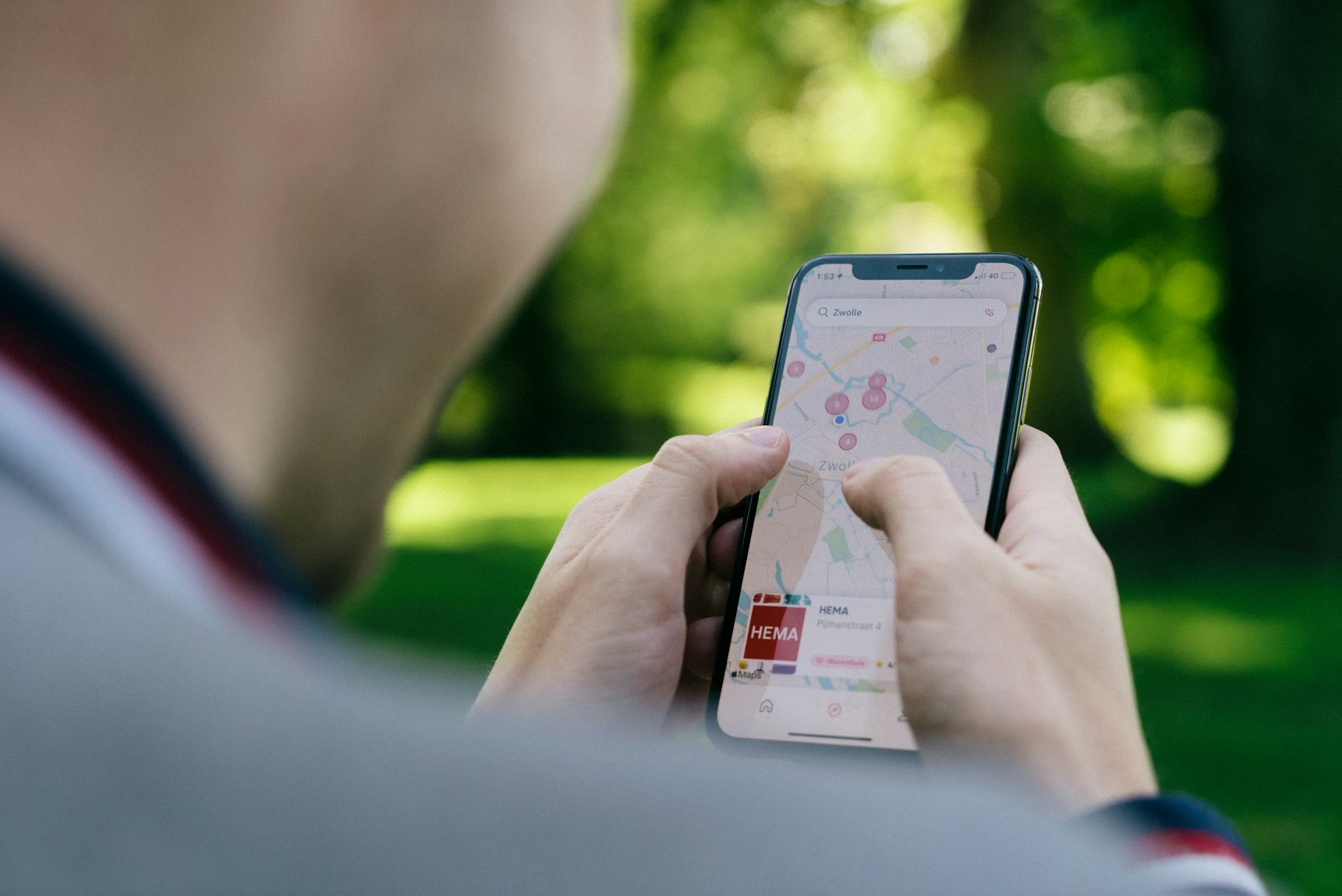
- Apple Maps, if you have an iPhone. In mainland China it uses local Amap data, so places and directions are accurate, and public transport directions work.
- Amap, which now has an English interface, is what locals use and is the most accurate option for walking, metro and ride-hailing.
 Magda Sawyer
Gmail and your Google account in China
Gmail works on roaming and eSIM like it does at home. You don't need a backup email address, and you don't need to download anything in advance.
Two things to know. First, if you do sign in to Google on a new device while in China, Google may ask for a verification code; that's why point 6 above matters. Second, if you ever connect to wifi, Gmail will simply stop syncing until you're back on mobile data. It isn't broken, it's blocked.
Do you need a VPN to use Google in China?
Not if you're on roaming or an eSIM. You only need one if you're using a Chinese SIM or depending on wifi, which is mostly expats and long-stayers. I've written a separate post on exactly that question, including why every other article tells you otherwise: Do you need a VPN for China?
Can you use Google in Hong Kong and Macau?
Yes. Neither is behind the Great Firewall, so Google, Gmail, Maps and YouTube all work on wifi and local SIMs. If your trip combines Hong Kong and the mainland, remember that the rules change at the border, not at the airport.
FAQ
Is Google banned in China? Google's services are blocked on mainland Chinese networks and have been since 2014. They aren't illegal to use; they're simply unreachable from inside the country unless your data is routed through a network abroad, which is what roaming and travel eSIMs do.
Can I use Gmail in China? Yes, if your phone is on roaming from your home SIM or on a travel eSIM. On hotel wifi or a Chinese SIM, Gmail won't load without a VPN.
Does Google Maps work in China? It opens on roaming or eSIM, but the map data is unreliable and the GPS position is offset. Use Apple Maps or Amap for navigation and keep Google Maps for English reviews and your saved places.
Can I use Google Translate in China? Yes. On roaming or eSIM it works as normal. Download the offline Chinese pack before you fly and it works with no connection at all, including the camera translation.
Does Google work on hotel wifi in China? No. Hotel, café and airport wifi all run through mainland networks where Google is blocked. Stay on mobile data instead.
Will Google work in China on an eSIM? Yes. Travel eSIMs route your data through servers outside mainland China, so Google and other blocked services work without a VPN. Check that your phone supports eSIM first.
Can I use Google in Hong Kong? Yes. Hong Kong and Macau are not behind the Great Firewall, so everything works on any connection.
If you're planning your first trip, you might also want my list of must-have apps for China and the complete how-to guide for first-timers.